
You Do Not Need a Camera, a Budget, or a Video Editor: How to Generate AI Videos for Free in 2026
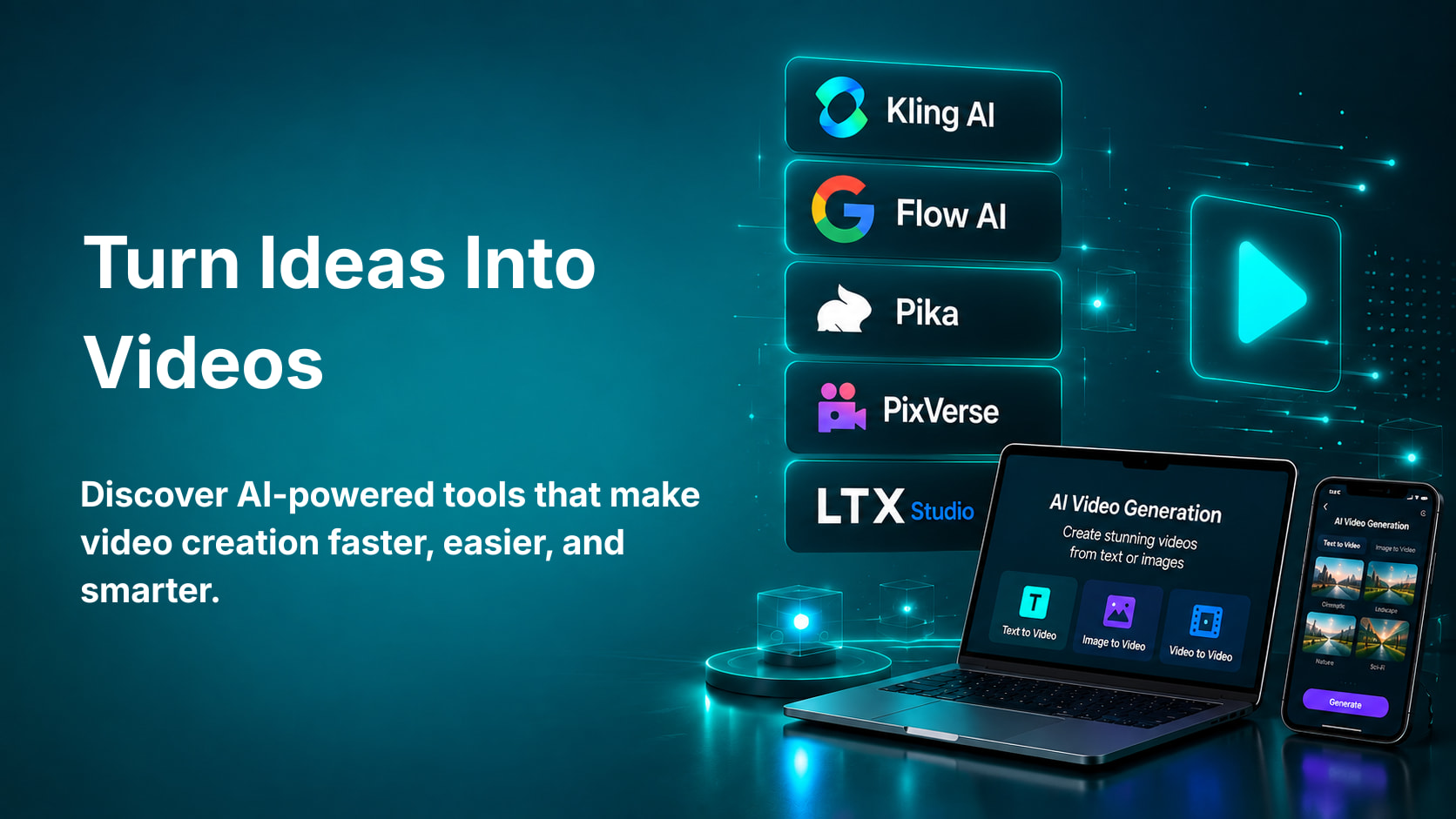
Just one year back, making a video in professional standard required a camera, a mic, a script, a setup, an editor, and somewhere around NPR 20,000 to NPR 1,00,000 to make it happen.
In 2026, you will need just a text prompt and a free account.
This is not an overstatement. In 2026, AI video generation technologies have the capability of making a sentence into a video clip, a picture into a video, and a script into a full video clip with narrations and visuals, without recording even one single footage. And the AI video generation industry has now reached a point where it makes over USD 940 million of revenue, with an annual growth rate of approximately 20 percent.
For students, content writers, digital marketers, entrepreneurs, and IT professionals in Nepal, this development opens up opportunities which were out of reach just two years back. Now you can make course explainers, YouTube content, social media videos, product demonstrations, education content, and presentations with no need for any professional production team.
This guide covers everything you need to know. What AI video generation actually is, which free tools are genuinely worth using in 2026, what you can realistically create with each one, the honest truth about what free tiers give you and where they limit you, and practical tips for getting the best results from each tool without spending anything.
What AI Video Generation Actually Is
Before the tools, understand what you are working with.
AI video generation is when video footage is produced using AI models instead of filming or using traditional animation tools. In other words, you state what you want in a simple way, and the AI produces video frames.
It all depends on what kind of generation you are producing. Tools for text-to-video generation take your text description and produce video footage out of it. Describe, for example, a sunset over the Nepalese mountains, with moving clouds and changing light, and the AI does that for you. The image-to-video generators do the same thing but starting from the stills or illustrations – they turn the image into an animated video, making elements move naturally inside the scene. Portrait photo becomes a video where a person breathes and blinks. Video-to-video generators work by transforming the footage by adding some effects or changing its contents.
The quality of AI-generated videos has reached the point in 2026 where the output looks like traditionally produced videos in many cases. This concerns, in particular, cinematic B-roll, product visualization, abstract and artistic videos, and talking-head presenter videos.
Understanding AI tools like these is increasingly valuable across every career path in Nepal's digital economy. Whether you are in digital marketing, content creation, education, data science, or software development, visual content is part of the professional toolkit. The Digital Marketing Mastery course at Knowlary covers exactly how AI-powered content tools fit into professional digital marketing workflows.
The Honest Truth About Free AI Video Tools
This is the single fact that most guides on free AI video tools either hide away in their texts or ignore altogether.
Free AI video generation in 2026 typically always comes with at least one of three strings attached – the presence of a watermark on the video after exportation, a limit on the number of videos/credits generated per day/per account, and a restriction on video length and/or resolution.
Exceptions do exist, however, and the list below will cover them all. Before clicking on any of these links, however, know that the reason behind the existence of these free tiers is a chance for you to see just what the tool can really do for you. In most cases, you get enough options to make good quality content for your personal use and development. Professional content production will usually need a subscription.
The following six tools are the best free tiers out there in 2026 as of this writing and are listed in terms of usability in order of increasing quality of publishable videos.
Tool 1: Kling AI: Best Motion Quality on a Free Plan
Official website: kling.kuaishou.com
Kling AI, designed by the Chinese tech company Kuaishou, provides 66 free credits daily which start all over again with every passing day. Each generation of the video via different models and settings ranges from 5 to 35 credits, meaning you could make multiple videos in a single day on the free plan.
The quality of the output provided by Kling is truly impressive. Kling AI works especially well with real human movements, which is the most difficult part of video generation via AI. As soon as you generate a video of a person walking, a hand reaching out for an object, or a face displaying certain emotions, the movements generated by Kling will be natural and not unnatural, thus, the cinematic quality of the output makes it one of the favorite choices for creators.
Kling provides generation of videos via both text inputs and images. Image-to-video is especially convenient to turn a simple photograph into a lively video. For example, a landscape picture turns into a video with moving clouds and rivers. A still product picture turns into a video with rotation and picking up of the object.
The main limitation on the free plan is that videos carry a Kling watermark on export. For personal learning, portfolio building, and experimenting with AI video as a skill, this is completely acceptable. For professionally published content, you would need to upgrade.
How to get started: Go to kling.kuaishou.com, create a free account, and start generating. The interface is clean and accessible for beginners. Write a detailed text prompt describing your scene, choose your model settings, and click generate. Your first usable video will be ready within one to two minutes.
Tool 2: Seedance 2.0: The Strongest Free Tier for Clean Exports
Official website: seedance.tv
Seedance 2.0, launched in February 2026 by ByteDance, is the most significant release in terms of free AI video generation in 2026 and definitely deserves special attention from anyone interested in producing watermark-free output without payment.
Seedance provides 100 credits per day. The key thing about this AI tool is its ability to produce 1080p output with no watermark in the free version – thus making it the best option for the time being. It was praised as one of the most advanced generation models by the r/aivideo community on Reddit. The fast speed is a unique feature: the output can be produced within 30 seconds while most of the competitors need 60-120 seconds to generate a ten-second video.
Quality is excellent and there is less generation failure and fewer artifacts than in other platforms. Also, one can use several top models in one dashboard including Veo 3, Kling and the models provided by Seedance itself and so get various outputs without registering on different websites.
It is clear that for content creators, students and professionals in Nepal who would like to make their own watermark-free videos, Seedance 2.0 is the best option for 2026.
How to get started: Go to seedance.tv, create a free account, and you immediately have access to 100 daily credits. The interface shows you which models are available on the free tier and the estimated credit cost of each generation before you commit.
Tool 3: Google Veo 3 via Google Flow: Best Raw Quality Available for Free
Official website: labs.googleflow
Veo 3 from Google is recognized as the best AI video generation model in 2026. The quality of the initial output, especially for photorealistic scenes, cinematic videos, and natural movements, is better than in any other competitor's models when compared.
It should be explained why Veo 3 is free to use. Google Flow, Google's platform for creating AI videos, allows qualifying accounts to get 50 free Flow credits per day that can be used to create videos by Veo 3. It is one of the best free-to-use quality AI options currently available, but Google Flow constantly changes its free access terms to its AI tools, so it is necessary to read the current terms when accessing the platform.
The difference in quality between Veo 3 and other free alternatives is most noticeable in complicated scenes with various elements and realistic lighting and camera movements. If you want your footage to be professional-looking, it is worth using Veo 3.
Google Veo 3 also boasts an audio creation capability that no other competing free platform has to offer. Clips created using this technology will contain soundtracks that match the visuals perfectly without having to edit anything manually. This saves a lot of time for people creating educational or promotional videos.
How to get started: Visit labs.google/flow, login with your Google account, and check out your current free credits balance.
Tool 4: Luma Dream Machine: Most Generous Free Limits for Creative Work
Official website: lumalabs.ai
Luma Dream Machine is one of the oldest serious AI video platforms and has always provided one of the more generous free tiers in the industry. It does not watermark its standard quality outputs, placing it on par with Seedance as one of the few services providing truly clean outputs.
It is especially good at producing creative and artistic videos. In case you produce any content that uses abstract images, stylized visuals, fantasy, or sci-fi scenes, where artistic touch is better than realism, you might notice the high quality and artistic flair of outputs produced by Dream Machine, which sets them apart from the outputs of other AI services.
Dream Machine is also good at producing image-to-video animations. You could provide it with an illustration, a photograph of a product, or some concept art and make it animated in a believable way. This is one of the easiest and free ways for designers and artists from Nepal to produce animations.
How to get started: Go to lumalabs.ai, create a free account, and you can begin generating immediately. Always check the current free tier limits as Luma adjusts them periodically. The platform has a clean, beginner-friendly interface with clear prompt guidance.
Tool 5: CapCut AI: Best Free Tool for Social Media Video Creation
Official website: capcut.com
While CapCut is not a dedicated AI video generator like Kling and Seedance, it is an entire video editing software developed by ByteDance (the creator of TikTok) that contains several AI tools such as text-to-video creation, background removal through AI, captions creation through AI, style transfer, and more AI features. The whole desktop software exports videos up to 4K resolution without a watermark on the free plan.
In case if content creators and marketers need to create finished, ready to post videos for social networks rather than just generated video clips, CapCut takes a special place in the free AI video generator toolkit. This tool allows to create AI video clips, combine them with other video pieces, add text and music, apply effects, and export the finished video free of charge.
There are thousands of templates in CapCut that cover every popular social media video format: Instagram Reels, YouTube Shorts, TikTok videos, and even LinkedIn videos. This software is very useful for educational content creators because of its ability to generate automatic captions and voice-over translations.
In Nepal's growing content creator and digital marketing economy, CapCut is one of the most immediately practical free tools available because it combines AI generation with the editing capabilities that turn raw clips into finished content.
Understanding how tools like CapCut fit into a complete digital marketing workflow is exactly the kind of practical skill covered in Knowlary's Digital Marketing Mastery course and the AI-powered design and content skills developed in Knowlary's Graphics Design with AI course.
How to get started: Go to capcut.com and create a free account. The interface is immediately accessible for beginners. The AI video features are found under the Script to Video and AI Tools sections of the editor.
Tool 6: Pika: Best for Beginners Creating Short Creative Clips
Official website: pika.art
One of the easiest-to-use AI video creation platforms on the market is Pika. In fact, Pika always features among recommendations for those who try to create an AI-generated video for the first time in their lives. The platform gets rid of all the technical nuances, and you need only to describe the desired video, and the platform will generate it for you with minimum efforts from your side.
The free plan offers a certain amount of generations and exports in 1080p quality. Video clips generated by Pika for free generations are usually around 3-4 seconds long. It may seem not much, but for those who try to learn the technology and understand its potential, this is quite sufficient to get used to the technology.
The main advantage of Pika is the ability to generate an animation video as opposed to the photorealistic one. This platform does great in creating stylized scenes, character animations, and other kinds of videos that require some polishing but not a cinematic approach.
How to get started: Go to pika.art, sign up for a free account, and you can start generating within two minutes. The prompt interface is clean and intuitive. Describe your scene in two to four detailed sentences for the best results.
Writing Prompts That Actually Get Good Results
The main problem in creating bad-quality video using AI by beginners does not lie in the software they use. It lies in their lack of specificity in prompt writing.
The difference between poor quality and good quality prompts lies in the level of specificity in the description. Poor quality prompts would say "a person walking in the city." Good quality prompts would say "a young woman in a yellow jacket walking slowly through a bustling street market of Kathmandu at golden hour, handheld camera, soft warm lighting, cinematic wide shot."
Each detail in this prompt is useful for the AI because it gives more information about the intended output.
When generating video through text-to-video prompt, you should write the subject and the action, location and environment, time and lighting condition, camera movement (if any), visual style and mood.
For image-to-video prompts, describe the motion you want to see added to the still image. Be specific: "the clouds in the background slowly drift from left to right, the trees in the foreground sway gently, the light subtly shifts as if time is passing."
Practice writing detailed prompts and comparing the outputs. The skill of writing effective AI video prompts is itself a genuinely useful creative and professional capability that connects directly to the broader skill of prompt engineering, which is increasingly recognized as one of the most valuable AI skills in 2026.
How to Get the Most Out of Free Tiers
Every free tier has limits. Here is how to get the most usable video out of the free access each tool offers.
Use your credits for your best prompts. Do not burn free credits on rough experiments. Write your prompt carefully, review it, improve it, and then generate. A deliberate generation produces better output than five rushed ones.
Combine tools strategically. Generate raw clips in Seedance or Kling where quality per credit is highest, then import them into CapCut for editing, captions, music, and final polish. This combination gives you the quality of a specialized generation tool and the finishing capabilities of a full editor, both for free.
Save everything you generate. Even clips that do not match your vision exactly may be useful for something else later. Downloaded AI video clips are permanent assets regardless of what happens to the free tier that produced them.
Generate at shorter lengths when possible. Most free tiers give you more generations at shorter clip lengths. A five-second clip on the free plan may cost half the credits of a ten-second clip. If your content strategy allows for shorter clips, this doubles your effective daily generation capacity.
Rotate across platforms. Seedance, Kling, Luma, and Pika all have their own daily free credits that reset independently. A creator who uses all four tools gets significantly more total free generation per day than one who relies on a single platform.
What You Can Realistically Create for Free in 2026
Here is what is truly possible by being upfront about what these free tiers enable you to do.
For social media content creators: Short-form videos for Instagram Reels, TikTok, and YouTube Shorts are possible through free-tier offerings. Clips of five to ten seconds, which are the industry standard for these platforms, fall into the range of free-generation options for all the tools mentioned.
For digital marketers and businesses: Product visualization clips, brand awareness B-roll, and explainer videos are possible through free tools. The trick is in the combination of AI-generated clips and CapCut's editing tools to create polished content.
For students and learners: Portfolio items, learning content, educational clips, projects, and experiments are totally possible using free tiers of these tools. The creation of an entire AI-powered portfolio of learning content will not cost anything at all.
For YouTube creators: While generating a whole YouTube video is impossible in one go with the help of free credits only, daily rotation of tools and creating a stock of generated clips will make free AI video a reality for your YouTube content.
For IT professionals and developers: Demonstrating features, prototyping user experiences visually, and creating training materials are all realistic use cases that free tiers accommodate.
AI Video and Your Career in Nepal's Digital Economy
This is an important point beyond mere advice for practice.
Generation of videos using AI is not just a content creation technology. It is now becoming a skill for multiple professions. A digital marketer who does not need to rely on a production team for creating video content is far more efficient and valuable than his counterpart who depends on production capabilities. A business person who does not need any budget for prototyping and demonstrating visual concepts of his product will be able to act quicker and more efficiently than his competitor.
As an IT student in Nepal, you are acquiring new skills along with your degree, and there is no better opportunity for learning this skill than learning how to generate video content with AI. Read the Knowlary portfolio building guide for Nepal to understand how to present AI-generated work as a genuine professional skill rather than a novelty.
Understanding how AI tools including video generation fit into Nepal's broader digital economy and career landscape is worth exploring in depth. The guide on in-demand tech skills in Nepal in 2026 and the future of AI and ML jobs in Nepal both show how AI fluency across creative, technical, and analytical tools is becoming the baseline expectation for competitive professionals.
A Practical Starting Point for Complete Beginners
If you are reading this and are one of those people who haven't created an AI video yet but are looking for a way to get started, here is exactly the process that you need to follow.
First, head over to Seedance 2.0 at seedance.tv and sign up for a free account. Then fill the prompt box with a description of a scene that you wish to see. For example, "Mountain landscape in Nepal at dawn, low fog passing through the valleys below, time lapse, cinematic wide angle, peaceful feel." Generate and wait for thirty seconds.
Check the result and identify what parts of your description were followed and what were ignored. Modify the prompt accordingly, making the description more accurate with respect to that particular part. Generate again.
Repeat this process three to five times during your first session and learn the crucial lesson – how good your prompt is directly correlated with the quality of the result you'll get. Then move to CapCut to edit your best clip. Add text, music, or captions. Export it. Share it somewhere. The entire workflow from first generation to finished, shareable video takes less than an hour on your first attempt and significantly less once you are familiar with the tools.
For more practical guides on AI tools, digital skills, and building a career in Nepal's growing tech economy, visit the Knowlary blog and explore the full Knowlary course library.
The Free AI Video Tools Covered in This Guide
- Kling AI at kling.kuaishou.com gives you 66 free daily credits for high-quality motion generation with text-to-video and image-to-video capabilities.
- Seedance 2.0 at seedance.tv gives you 100 daily free credits at 1080p with no watermark, making it the strongest genuinely free option in 2026.
- Google Veo 3 via Google Flow at labs.googleflow provides the highest raw quality available on a free tier for eligible accounts with daily credit access.
- Luma Dream Machine at lumalabs.ai offers generous free limits with no watermark on standard exports and strong creative video generation.
- CapCut at capcut.com provides a full video editor with AI generation features, watermark-free exports on the free plan, and the editing tools to finish and publish content.
- Pika at pika.art is the most beginner-friendly option for creative short-form AI video with a clean interface that removes technical complexity.