
How to Learn Photoshop in 2026: Beginner-Friendly Guide
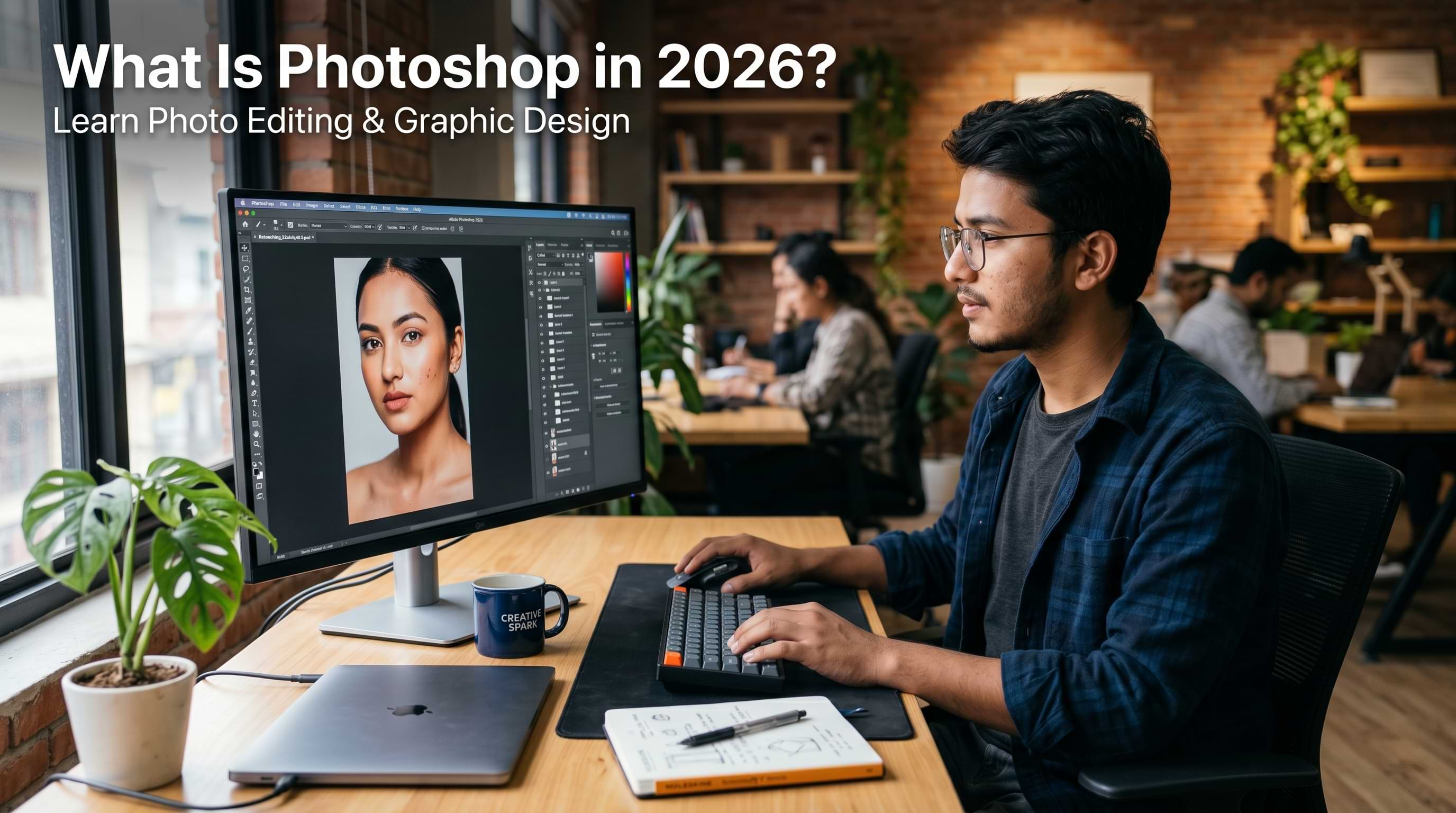
If you want to know what Photoshop is and why designers and photographers and marketers and content creators really like it you are in the place.
You might be a student in Nepal who is just starting out with technology. You might be someone who does freelance work and you want to learn new things. You might have just heard people talk about Photoshop when they are being creative.
This guide will tell you everything about Photoshop. It will tell you what Photoshop is. It will tell you what people use Photoshop for. It will tell you how to use Photoshop. It will tell you how to get Photoshop on your computer. It will also tell you if Photoshop is worth the money , a good Photoshop.
What Is Photoshop, Really?
Photoshop is a software program produced by Adobe and used to alter, manipulate, and construct images. It can be thought of as a virtual photo studio where virtually any kind of visual content be it photography, graphics, social media posts, or commercial product imagery can be created. Photoshop was launched in 1988 and has quickly gained its reputation as a must-have tool for any field of creative work.
The base concept of Photoshop is manipulation of pixels and tiny dots that make up any image on a monitor. With its layer system, Photoshop allows for multiple modifications done one above the other without altering the original image. One can change the colors, crop or remove unwanted parts, correct lighting, merge several pictures into one, put in some text and even paint the whole picture from scratch. This incredible combination of tools is precisely why "photoshopped" became a colloquial term to refer to any kind of image processing.
Photoshop Download: How to Get It
The process for downloading Adobe Photoshop is done via the Creative Cloud from Adobe. Adobe no longer provides a separate installer but has been operating on a cloud subscription basis for many years now.
Head to adobe.com, choose a plan, install Creative Cloud, and Photoshop installs from there. The process is straightforward on both Windows and macOS.
If you desire to get Adobe Photoshop through downloading the software from their website, you will be redirected to the Adobe Creative Cloud website as the firm provides subscription-based service to all of its software. It means that there is no installation package anymore. You can find the software on Adobe Creative Cloud. As for the free Adobe Photoshop download for Windows 10, Adobe provides a free trial period of 7 days.
How to Use Photoshop: The Tools and shortcuts That Helps Everything Click
Photoshop Tools: That Beginners Must Know
You don't have to learn everything. This is what you will actually be using:
- Move Tool (V): Click-and-drag any layer to move them around. Your first tool.
- Crop Tool (C): Crop or resize your image. Drag corners of your image and hit enter.
- Brush Tool (B): Used to paint, fix mistakes, and improve masks. You can adjust the size using [ ].
- Spot Healing Brush (J): Simply click on any pimple, scratch or dust. Photoshop will fix it magically for you. It's like magic for beginners.
- Selection Tools (W/M): The W tool is used for intelligent selection. M creates rectangular selection. Necessary tool before editing anything specifically.
- Type Tool (T): Adds texts. Just click anywhere on the canvas and start typing.
- Eyedropper (I): Click anywhere and you can pick that particular color. It’s simple yet used all the time.
- Pen Tool (P): Used to cut objects with clean edges. It's a little difficult but totally worth it.
Essential Photoshop Keyboard Shortcuts That Save Hours
- Undo: Ctrl + Z / Cmd + Z. Unmake your previous step. In new versions of Photoshop, it works like crazy and goes through the history each time you press it, so do not hesitate.
- Move Tool: V. Selects the Move Tool right away. Simply click on a certain layer and drag it anywhere you want.
- Brush Tool: B. Selects the Brush Tool, which is used for painting and adjusting masks of layers. One of the most popular functions.
- Free Transform Tool: Ctrl + T / Cmd + T. Surrounds the selected layer with handles, thus making it easy for you to change its size or orientation.
- Zoom In/Out: Ctrl + +/− / Cmd + +/−. Allows you to zoom in and see all the details or zoom out and see the general picture. A must-have function in retouching.
- Fit to Screen: Ctrl + 0 / Cmd + 0. Fills up the screen with your canvas automatically. Ideal for seeing the composition after zooming in.
- Hand Tool: Spacebar (hold). While holding Spacebar, you get an instant possibility to move around the canvas without changing the current selection of tools.
- Brush Size: [ smaller / ] larger. Adjusts your brush size instantly without going into the toolbar. Position your left hand near these keys when painting or using selection tools.
- Brush Hardness: Shift + [ or ]. Makes your brush softer or harder instantly. Brushes become smoother when soft and leave sharper edges when hard.
- Default Colors: D. Restores your foreground and background colors to black and white. Useful when painting on layer masks because layer masks work only with black and white.
- Switch Colors: X. Instantly swaps the foreground and background colors with one keystroke. Painting on layer masks involves switching from black to white, and vice versa, which can be done with a single key stroke using X.
For absolute beginners, Adobe itself has solid free learning materials at Adobe's official tutorials page, but self-learning has its ceiling. Structured guidance matters, especially when you want to apply these skills professionally in the Nepali job market which is exactly what skill-based courses are designed to do.
Photoshop Subscription: Is the Cost Worth It?
The Photoshop subscription via Adobe Creative Cloud is available in a couple of versions. By 2025, one can purchase Photoshop individually or as part of the Photography Plan that includes Lightroom. Generally, the Photography Plan ends up being cheaper than purchasing the entire Creative Cloud suite.
In case you are a student or an educator, there are substantial discounts available on Photoshop – up to 60-70% off standard prices. If you are a BCA or BSc.CSIT student in Nepal, you should definitely consider this option.
For What Purpose Is Photoshop Software Used?
People often ask what Photoshop is used for.The truth is that it is used for a huge number of things. Photoshop design work is used in every industry that has to do with pictures. Here are some places where professionals actually use Photoshop:
Photo retouching and restoration is where a lot of people begin with Photoshop.Photographers use Photoshop to remove imperfections, fix the lighting, adjust the color and turn a picture into something that looks great and is ready to be published.
Graphic design is another area where Photoshop is used.
Photoshop is used to make graphics for media, thumbnails, for YouTube videos, posters, banners, book covers and magazine layouts.
At Knowlary our Graphics Design with AI course covers how modern designers combine Photoshop with AI tools to speed up their workflow dramatically.
Should You Learn Photoshop in 2026?
The short answer? Yes, if visual communication plays any role in your career aspirations.
In Nepal’s various industries, be it for your future as a digital marketer, content creator, UI/UX designer, data visualization scientist, or product development the ability to create good visual content is becoming increasingly necessary. Look at the in-demand tech skills in Nepal and design literacy consistently shows up alongside technical skills.
The longer response requires you to reflect on where you have been and what you intend to do. However, if you are switching careers and looking for an easy way into the world of technology, then graphics design using AI is the easiest option that pays well. Even as a developer, knowing how to use tools such as Photoshop makes your work easier.
Conclusion
This software continues to stand out as the best program for working on images due to the capabilities that other programs cannot match. The price may appear to be quite high, but then, for someone pursuing a career in the technology field or graphic designing, it is good to know how to use Photoshop.
If you're serious about building skills that the Nepali job market actually rewards, check out what we're building at Knowlary; from graphics design and digital marketing to data science and full-stack development. The goal isn't just to teach tools. It's to get you job-ready.
Want to go deeper on building a career in tech from Nepal? Read our guides on: