
Best AI Tools for Students in 2026: Free AI Tools Every Nepali Student Must Know
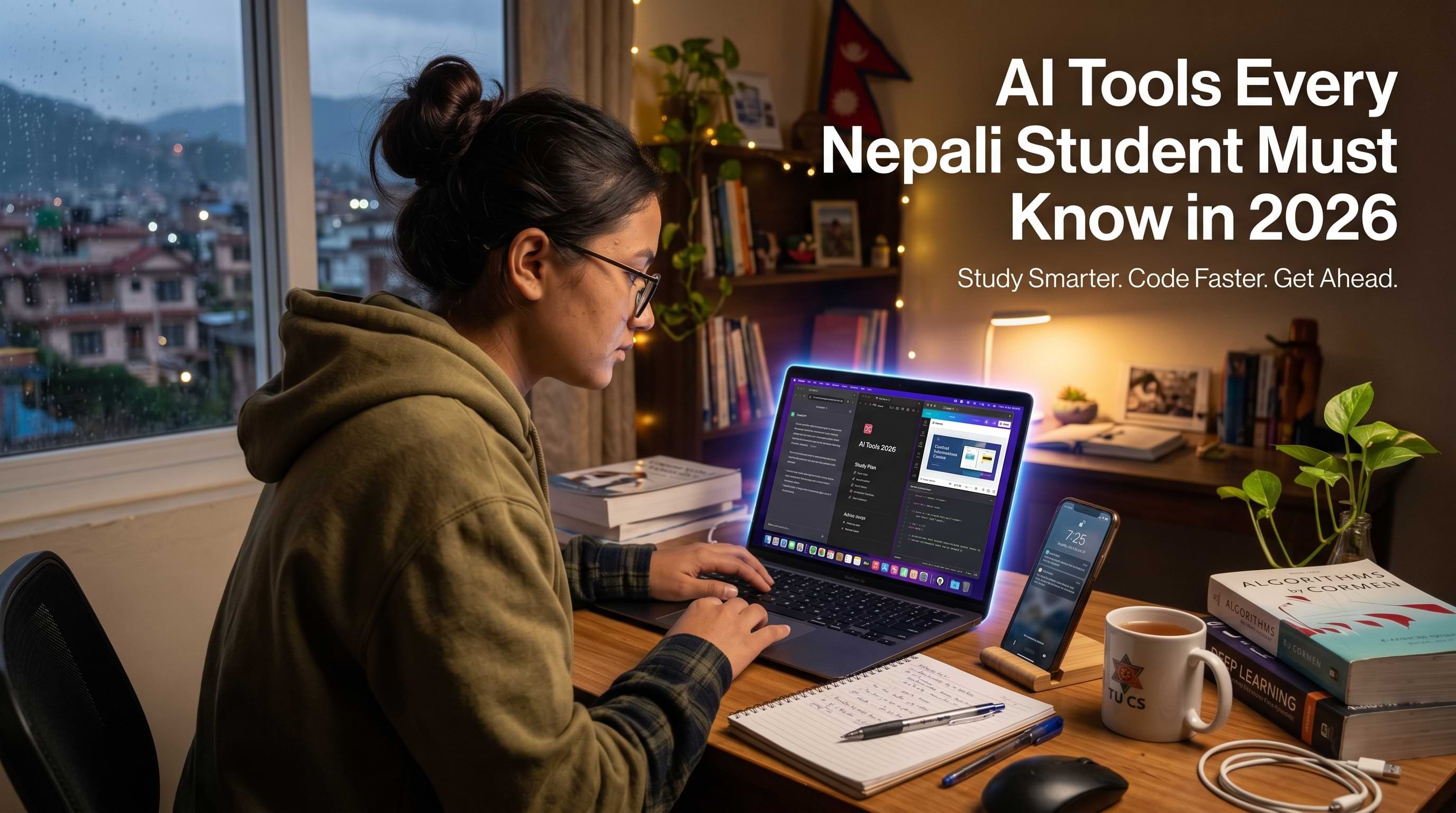
Every student in Nepal is dealing with this; some people are getting internships, freelance work and full-time jobs quickly. These people are not always the students. They just know how to use the tools.
In 2026 these tools are powered by intelligence. Artificial intelligence is not just for tech experts like data scientists and engineers anymore. It is now easily available in your browser, phone and at work. You can use it for free now.
It can help you study efficiently, create better designs, write quicker code without getting stuck and get ready for your career. All of this can be done in ways that would have taken years of experience a few years ago. You can use intelligence to study smarter. You can use intelligence to design better. You can use intelligence to write faster. You can use intelligence to code without getting stuck.
Artificial intelligence is capable of helping you prepare for your career.
This guide covers the best AI tools available in 2026 with a strong focus on free AI tools that actually work specifically for BCA, BSc CSIT, engineering, management, and design students in Nepal.
Why AI Tools Matter the most for Nepali Students
Nepal's job market has shifted meaningfully over the past three years. Companies in Kathmandu, Lalitpur, and Pokhara and even the international clients hiring remotely are no longer just looking for degree holders. They are looking for people who can produce results efficiently. AI tools are the single biggest productivity multiplier available to students today, and the ones who learn to use them well are consistently outperforming those who don't know about it .
The good news is that most of the best AI tools have genuinely usable free tiers. You do not need a paid subscription to get real value. You need to know which tools to use, and when or what purpose. That is exactly what this guide covers.
If you are also exploring what skills are in highest demand right now for the tech field, Knowlary's guide on in-demand tech skills in Nepal gives a clear picture of what employers are actually paying for and AI proficiency appears at the top of nearly every list.
The Best Top 14 AI Tools for Students in 2026
- ChatGPT: ChatGPT is mainly used as writing assistance, answering questions, summarizing content, brainstorming ideas, and solving coding problems.
- Claude: Claude is mainly used for reading and analyzing long documents & texts, in-depth research, and giving more careful, accurate answers to complex questions.
- Perpexility: A search engine that reads web pages for you and gives direct, sourced answers in real time.
- Grammarly: Catches grammar errors and improve your writing clarity; works everywhere you type through a browser extension.
- Notion AI: Organizes notes, assignments, and projects in one place, with AI that summarizes and generates study guides.
- Wolfram: Solves any math problem step by step; essential for students.
- YouTube Video Summarizer: Gives you the key points of any YouTube lecture or tutorial in two minutes.
- GitHub Copilot: AI tool that writes and completes code inside VS Code; completely free for verified students.
- BLACBOX AI: Explains code, debugs errors, and generates functions in any programming language.
- Canva AI: Generates images, writes captions, removes backgrounds, and resizes designs automatically.
- Remove.bg: Removes image backgrounds in one click, completely free for standard resolution.
- Resume.io: Uses AI to write stronger CVs that pass recruiter screening filters.
- Gamma.ap: Generates complete, designed presentations from a single text prompt in under a minute.
- Beautiful.ai: Creates smart, auto-adjusting presentation slides with professional layouts automatically.
The Best AI Tools for Students in 2026 List by Category
AI Writing and Research Tools
1. ChatGPT (OpenAI)
ChatGPT; the most widely used AI tool in the world, and for good reason. For students, it is genuinely useful for understanding complex topics explained in simple language, drafting essays and reports, brainstorming project ideas, summarizing long reading materials, and preparing for exams by generating practice questions. The free version (GPT-4o mini) is capable enough for most student needs. The paid version (GPT-4o) is noticeably stronger for delicate writing and research.
The key to getting value from ChatGPT is learning how to write good prompts. Vague questions get vague answers. Specific, context-rich prompts; "Explain recursion in Python as if I am a first-year BCA student who understands loops but not stack memory" ;get genuinely useful responses. This skill of prompt engineering is itself becoming a valued workplace ability, and practicing it daily as a student puts you ahead.
2. Claude
Claude is widely considered the strongest AI for long-form reading, writing, and reasoning tasks. Where ChatGPT sometimes gives confident but inaccurate answers, Claude tends to be more careful and more willing to express uncertainty. For students dealing with research papers, lengthy assignments, or complex case studies, Claude's ability to read and analyze large documents is particularly useful. Paste in a 30-page PDF and ask it to summarize the key arguments it handles reliably and clearly. The free tier at claude.ai is generous enough for daily student use.
3. Perplexity AI
Think of Perplexity as a search engine that actually reads the pages for you and gives you a direct, sourced answer. Unlike ChatGPT which can fabricate information (a problem called hallucination), Perplexity pulls real-time information from the web and cites its sources inline. For research tasks where accuracy matters, finding recent statistics, checking facts, exploring a new topic, Perplexity is often more reliable than a standard Google search because it synthesizes multiple sources rather than just listing links. It is completely free for general use.
4. Grammarly
Every student writing assignments, emails, internship applications, or professional messages should have Grammarly installed. The free version catches grammar errors, improves sentence clarity, and flags awkward phrasing. The paid version adds tone detection and more advanced style suggestions. For Nepali students writing in English which is required in most professional contexts Grammarly acts as a real-time writing coach that builds your language skills passively over time just by using it. Install the browser extension and it works everywhere you type.
AI Tools for Studying and Learning
5. Notion AI
Notion is a note-taking and productivity workspace that has integrated AI throughout. For students, the combination is powerful: organize all your notes, assignments, and project plans in one place, then use Notion AI to summarize your own notes, generate study guides from raw content, draft to-do lists, and even help structure your thesis or project report. The free plan gives you enough workspace for personal use, and the AI features come as an add-on.
6. Wolfram Alpha
For anything involving mathematics, Wolfram Alpha is still the gold standard. Type in any equation, calculus problem, statistics question, or data set and it gives you not just the answer but the full working step by step. For BCA and BSc CSIT students dealing with discrete mathematics, probability, linear algebra, or algorithms, this tool eliminates hours of confusion. The free version is sufficient for most student needs.
7. Summarize.tech / YouTube Summary with ChatGPT
These tools generate AI summaries of YouTube videos directly on the page. For students who learn from video content tutorials, lectures, conference talks, these extensions let you get the key points of a one-hour video in two minutes. Particularly useful when you are doing research and want to quickly assess whether a video is worth watching in full.
Best AI Tools for Coding and Development
8. GitHub Copilot
GitHub Copilot is an AI pair programmer built into VS Code and other editors. It suggests code completions, entire functions, and even full boilerplate setups as you type. For BCA and BSc CSIT students learning to code, it acts like having a senior developer sitting next to you at all times. Crucially, GitHub offers Copilot completely free to verified students through the GitHub Student Developer Pack, one of the most valuable free resources available to any computer science student in the world. Apply at github.com/education with your college email or student ID.
The GitHub Student Pack also includes free access to dozens of other tools worth hundreds of dollars; including domains, cloud credits, and development software. If you have not applied yet, do it today.
If you are also learning Git and version control alongside your coding journey, Knowlary's complete guide to Git and GitHub for students walks you through everything from installation to building a portfolio that gets you noticed.
9. Black Box AI
Black Box AI is a coding assistant specifically designed for coders or software developers. It can explain code, debug errors, generate functions in any language, and even pull code snippets from across the web with source attribution. For students who get stuck during debugging; which is most students' problems, most of the time; being able to paste an error and get a clear explanation of what went wrong and how to fix it is a massive productivity gain. The free tier is genuinely usable for daily coding work.
AI Design Tools
10. Canva AI
Canva has transformed from a template tool into a full AI-powered design platform. Its AI features include Magic Write (generates copy and captions), Dream Lab (generates custom images from text prompts), Background Remover (one click), and Magic Resize (adapts a design to any platform format automatically). For students producing social media content, presentations, portfolios, CVs, and event materials, Canva's AI features dramatically reduce the time required to produce professional-quality output.
Knowlary has a full guide on how to use Canva for professional design work that covers everything from basic setup to building a freelance income in Nepal.
11. Remove.bg
Removes image backgrounds in seconds with one click. Free for standard-resolution downloads. This single function which used to require Photoshop skills is one of the most requested micro-tasks in freelance design. Students involved in design services should have this tool bookmarked.
AI Tools for Productivity and Career Development
12. Resume.io / Kickresume AI
Both tools use AI to help you write a strong CV. You provide your information and the AI suggests better phrasing, stronger action verbs, and formatting that passes applicant tracking systems (ATS), the automated filters that many companies use to screen resumes before a human ever reads them. For students applying for internships and jobs, understanding how ATS filtering works is important. Read Knowlary's internship guide for BCA students and BSc CSIT students for how Nepali recruiters actually review applications.
AI Tools for Presentations and Visual Storytelling
13. Gamma.app
Gamma generates entire presentations, documents, and web pages from a text prompt in under a minute. Type "Create a 10-slide presentation about machine learning fundamentals for a beginner audience" and Gamma produces a complete, visually designed content, layout, and images ready to present or export. For students who spend hours building presentations, this is genuinely a time-saver. The output quality is high enough to submit or present with light editing.
14. Beautiful.ai
Similar to Gamma but with a greater focus on design quality and smarter layouts. Beautiful.ai's slides automatically adjust the layout when you add content so you never need to deal with overlapping text or poorly formatted slides. For group projects and academic presentations, it produces consistently polished results without design skill.
How to Actually Build AI Skills That Employers Value
Knowing these tools is only the first step. What turns AI tool familiarity into a career advantage is understanding how to apply them to real problems, combine them into efficient workflows, and communicate that ability to employers.
Here is the approach that works:
Pick two or three tools from this list and use them deeply for one month rather than trying everything at once. Understand their strengths and their limitations. Build something real: a project, a portfolio piece, a client deliverable using those tools. Then document what you built and how I helped you do it faster or better. That documentation becomes a portfolio talking point in interviews.
The students getting AI/ML jobs in Nepal right now are not necessarily those with the deepest theoretical knowledge, they are those who can show practical, applied work. Knowlary's guide on how to land an AI/ML job in Nepal explains exactly what Nepali employers and international clients are looking for, and how to position yourself accordingly.
If you are a BCA or BSc CSIT student specifically targeting data science roles, the guide on how BCA and BSc students can get data science internships covers the specific technical skills and portfolio items that get results.
Free AI Tools vs Paid; What Should Students Actually Pay For?
The honest answer for most students: Start entirely with free tools. The free use of ChatGPT, Claude, Canva, GitHub Copilot (via Student Pack), Perplexity, and Grammarly are collectively powerful enough to transform your productivity without spending a single penny.
When you start earning from freelancing, internships, or part-time work consider upgrading the one or two tools where the limitations genuinely slow you down. For most students, that is Canva Pro (for background removal and magic resize) or ChatGPT Plus (for more powerful reasoning on complex tasks).
Never pay for a tool before you have used the free version long enough to know it saves you real time. The AI tool market in 2026 is crowded with options, and many paid tools have free alternatives that are nearly as good.
AI Tools and Academic Integrity; A Note for Students
Using AI tools responsibly is an important part of being a skilled and ethical professional. Most colleges and universities in Nepal are still developing their policies around AI use in assignments. Until your institution clarifies its policy, a safe and honest approach is:
Use AI to help you understand concepts, brainstorm ideas, and improve your drafts not to generate final submissions that you present as entirely your own thinking. The goal of your education is to build your own judgment and skills. AI used as a learning accelerator serves that goal. AI used as a shortcut to avoid thinking undermines it and the professional consequences when those thinking gaps show up in your work can be significant.
The students who build the strongest careers are those who use AI to become better at their craft, not those who use it to avoid developing one.
The Future of AI Tools for Students in Nepal
The pace of AI development means that some tools mentioned in this guide will be superseded by better ones within a year. The specific applications will change. What will not change is the underlying skill: knowing how to evaluate, adopt, and get real value from new AI tools quickly.
That adaptability is itself the most valuable skill you can develop in 2026. Employers across Nepal's tech, marketing, and creative industries consistently say they prioritize candidates who show an ability to learn and apply new tools, over candidates who have deep expertise in only what they already know.
The future of AI/ML jobs in Nepal and how they are expected to grow over the next five years is covered in detail in Knowlary's analysis of future AI/ML jobs in Nepal. For students deciding which technical path to invest in, it is essential reading.
Conclusion
Students who want to stay competitive in 2026 really need to use AI tools. AI tools can be a help with things like coding and research and design and presentations. They can save students a lot of time. The best students are using AI tools to get better at what they do they are not using AI tools to avoid learning. You can start with AI tools that are free, then you can make real things and learn how to use AI tools in a good way. Students who start using AI tools now will have an advantage when they look for a job in Nepal.